MCP Demo with VS Code
This section shows the use of several MCP tools - specifically, these will provide knowledge about Colors, Timer, Prices and Azure Resources.
The demo will use Visual Studio Code and GitHub Copilot Agent Mode.
Demo video
Configuration
The remainder of this section, explains how to configure and run the demo.
Project can be cloned from https://github.com/markharrisonorg/mcpdemo. Alternatively:
- Create an empty folder and open with Visual Studio Code.
- Create a file called .vscode\mcp.json
- Add the following content
{
    "servers": {
        "AzureMCPServer": {
            "command": "npx",
            "args": [
                "-y",
                "@azure/mcp@latest",
                "server",
                "start"
            ]
        },
        "time": {
            "command": "docker",
            "args": [
                "run",
                "-i",
                "--rm",
                "mcp/time"
            ]
        },
        "colors": {
            "url": "https://colorsmcp.azure1.dev/"
        },
        "playwright": {
            "command": "npx",
            "args": [
                "@playwright/mcp@latest"
            ]
        }
    }
}
Note that the Colors tool runs remotely, while the other tools operate locally.
The Time MCP server runs in a local container. Ensure that Docker Desktop (or a compatible container runtime) is running; otherwise, the server will fail to start.
Display MCP Tools
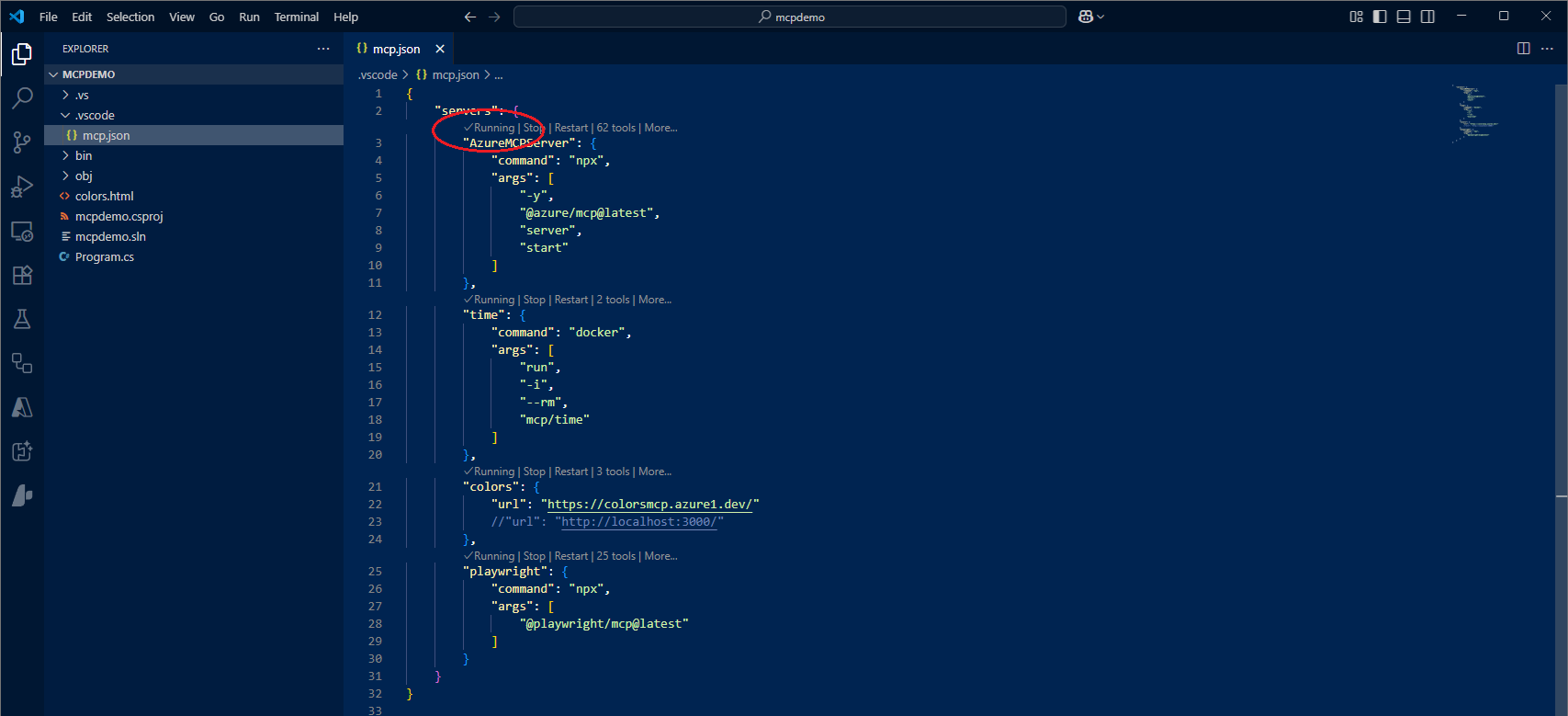
Each server will have a grey status line displayed in the mcp.json file. Ensure that each server shows a status of "Running" and that there are no errors present.
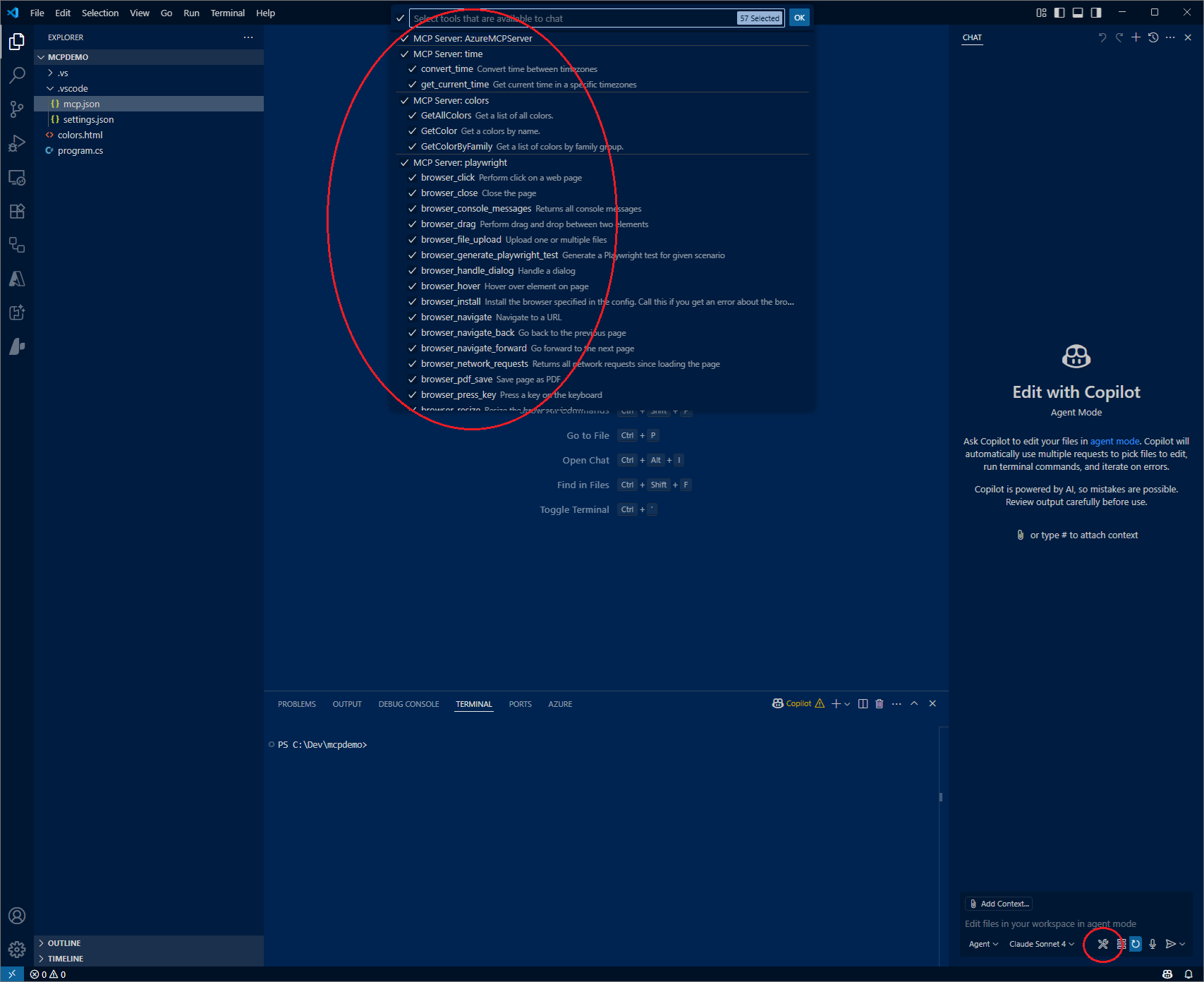
To display the MCP tools that are available:
- Open GitHub Copilot
- Select Agent Mode
- Select the Tools icon
- See available tools listed
Calling MCP Tools
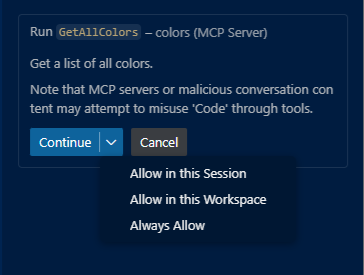
When an MCP tool is first used - a prompt will appear requesting permission to call the tool. You have the option of:
- Allow in the session
- Allow in the workspace
- Aways allow
- Cancel - do not make the call
Colors MCP Server
The development of the Colors MCP Server will be covered in the next section.
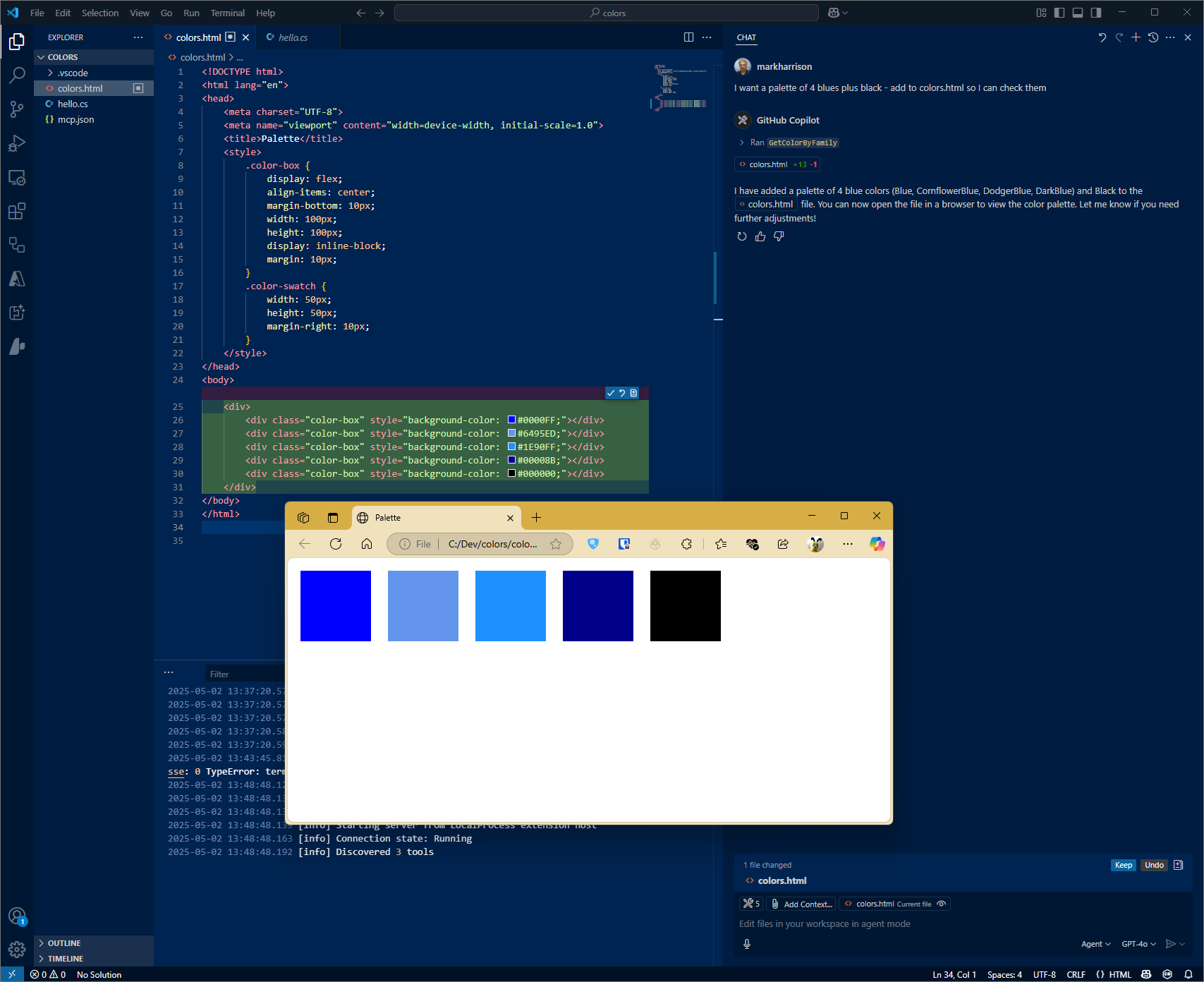
In GitHub Copilot, ask the following:
I need a palette of four colors from the blue family - plus black ...
please add to colors.html so I can inspect
Time MCP Server
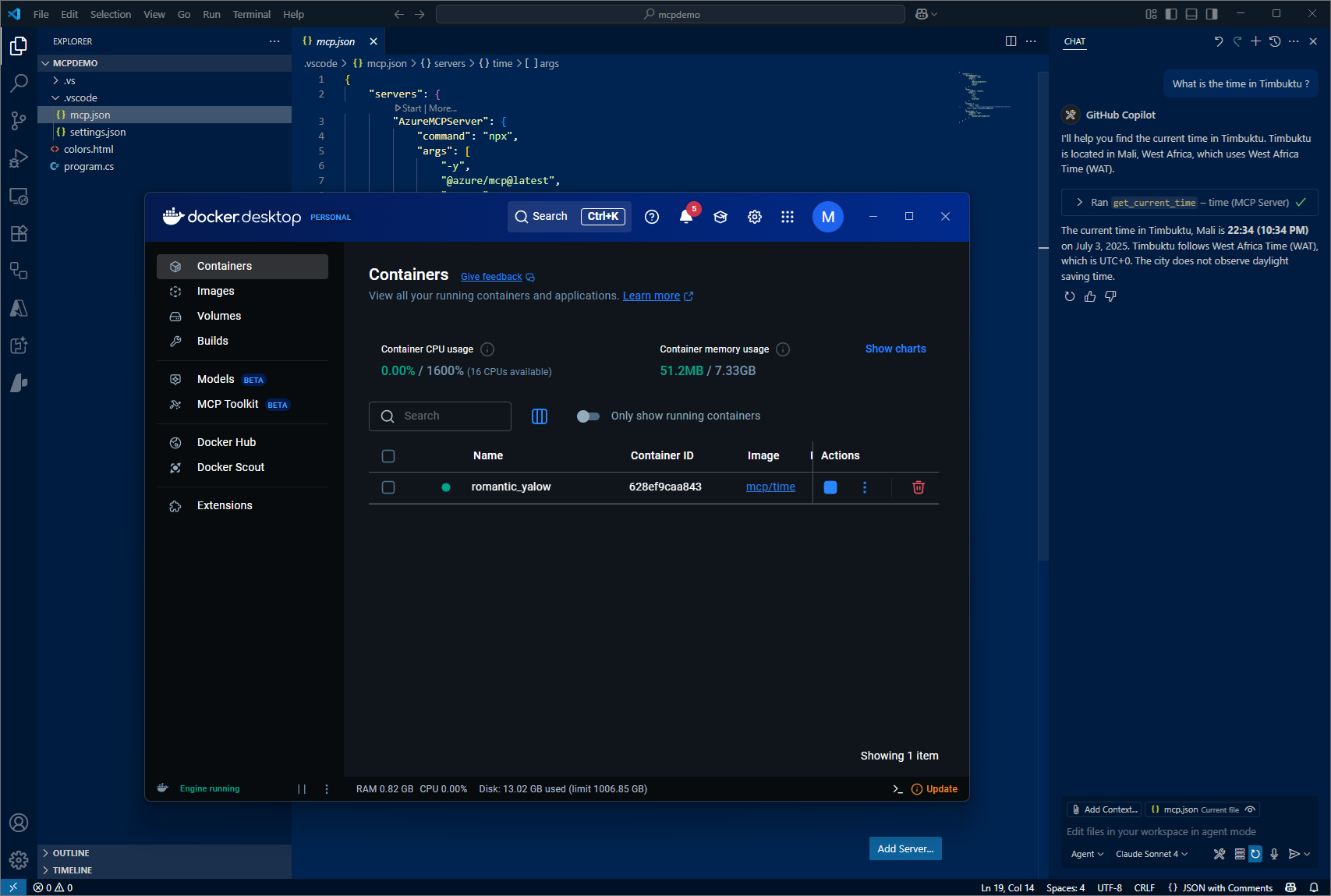
In GitHub Copilot, ask the following:
What is the time in Timbuktu ?
In the screenshot, you can see the container started in Docker Desktop.
Playwright MCP Server
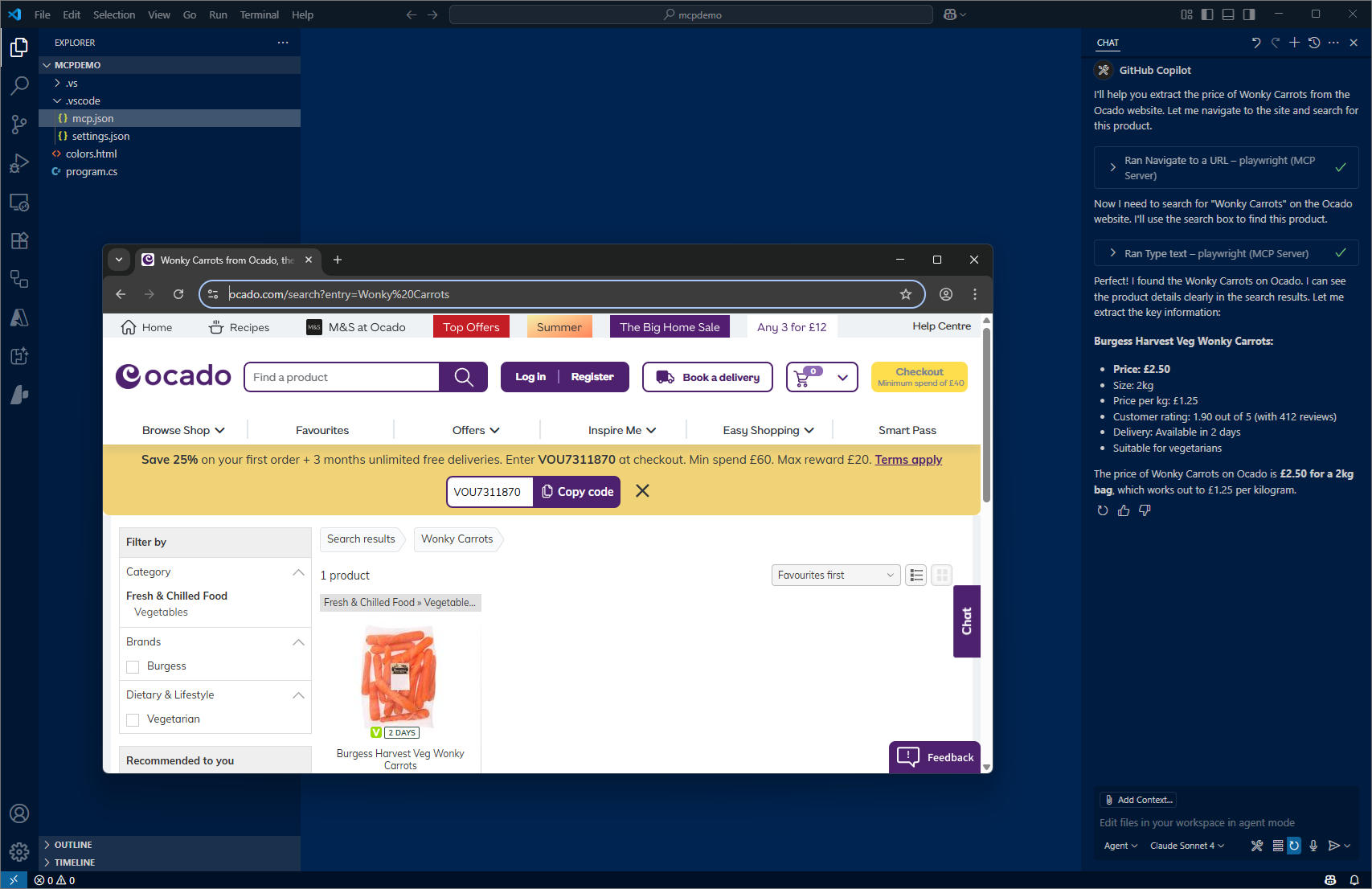
In GitHub Copilot, ask the following:
Check out www.ocado.com ... extract the price of Wonky Carrots
Note that the GitHub MCP server includes a tool called Fetch, which can retrieve web pages. Be sure to disable it to avoid potential conflicts.
In the screenshot, you can see a web browser running in the background. It's possible to run in headless mode (without a browser UI) for faster and less intrusive execution.
Azure MCP Server
In GitHub Copilot, ask something like the following - make it appropriate to whatever you have running in Azure:
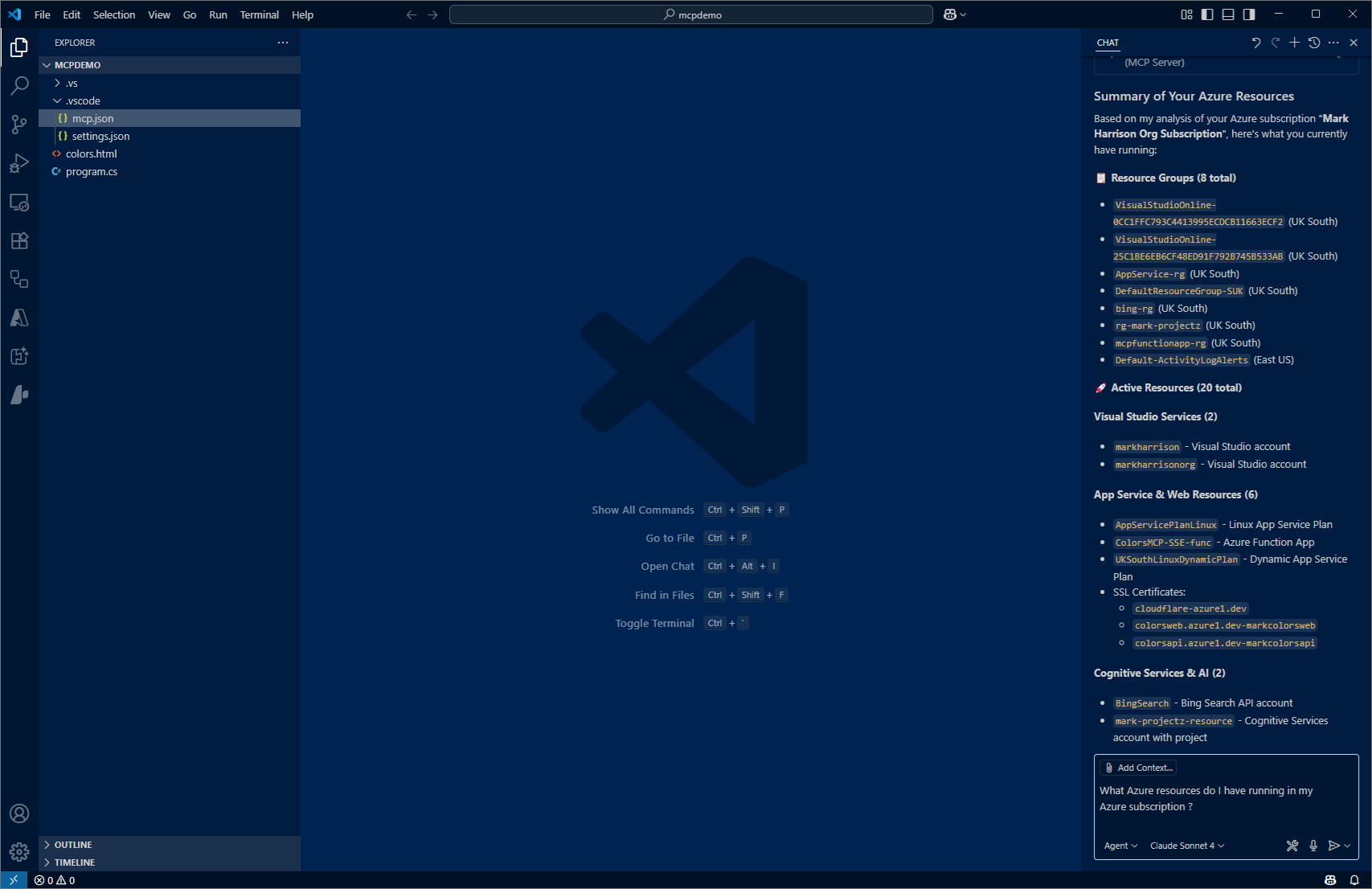
What Azure resources do I have running in my Azure subscription ?